
You Shouldn't Have to Log In to Find Out Something Went Wrong
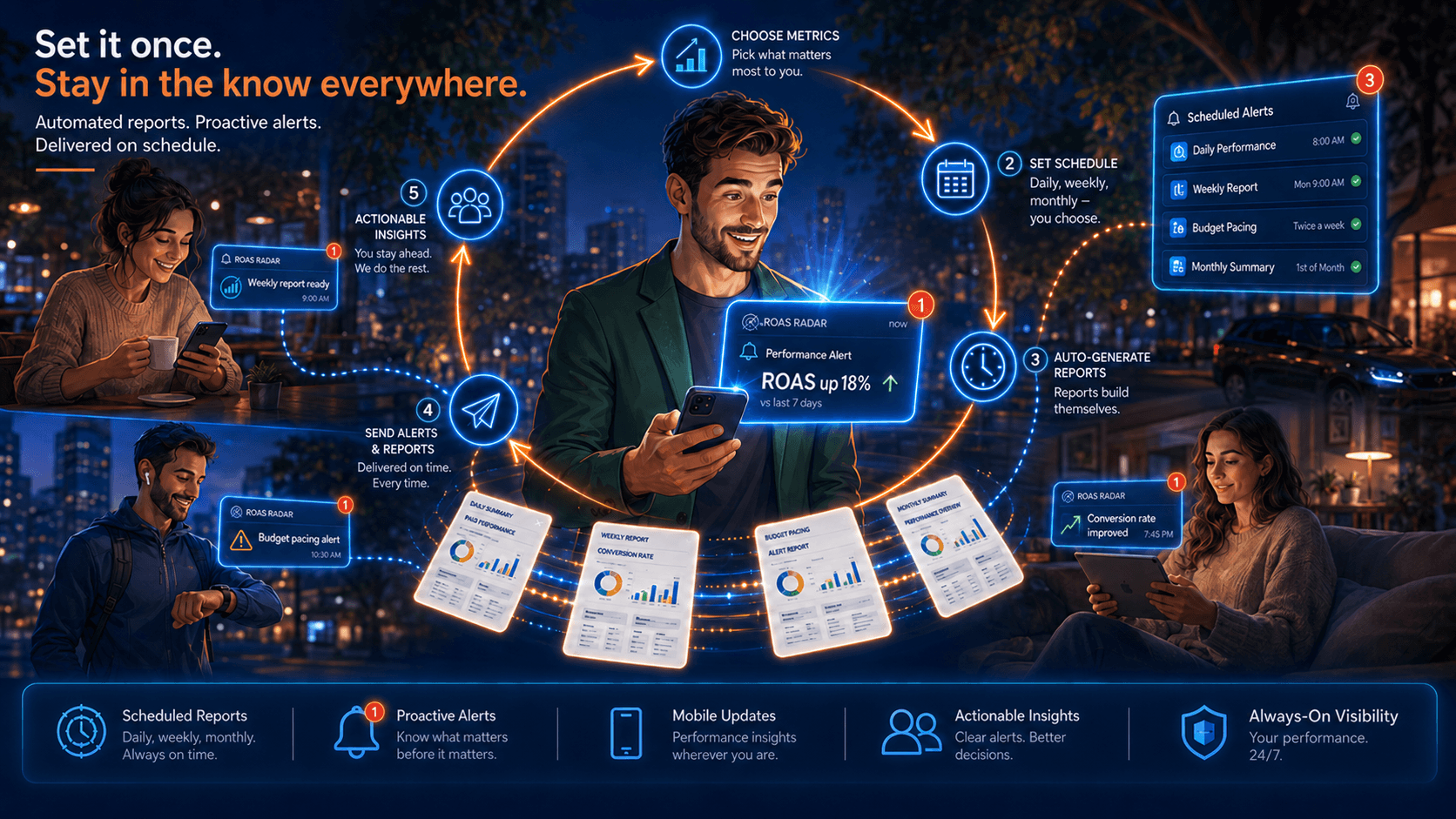
Stop finding out something broke a week too late. ROAS Radar now lets you set fully customizable alerts on any metric, at any threshold, on your schedule — watching your accounts 24/7.
Here's the uncomfortable truth about how most performance problems get caught: they don't, not for a while. A CPC creeps up on a core campaign. A budget starts pacing 40% hot because a competitor pulled out of the auction and your bids didn't get the memo. A tracking tag silently stops firing and conversions flatline at exactly the wrong moment. None of it announces itself. It sits there, quietly spending money, until someone happens to open the account on a Thursday and notices the number looks wrong.
By then the damage isn't a data point. It's a week.
We've always monitored accounts around the clock — budget pacing, ROAS and CPA shifts, CPC spikes, impression share drops, query drift, the works. What's new is that the monitoring is now yours. You decide what gets watched, where the line sits, and when you want to hear about it.
You tell the agent what matters. It watches it 24 hours a day. The moment a threshold you set gets crossed, you get the notification — in real time if it's urgent, or batched to a time you actually want to read it if it's not.
Think about what that lets you stop worrying about.
Budget pacing. "Alert me the moment any campaign is tracking to overspend its monthly cap by more than 15%." The runaway gets caught on the day it starts, not in the end-of-month reconciliation when the money is already gone.
A specific number you care about. Maybe your whole business lives and dies on CPL staying under $60. Set the line at $60. You'll know the day it crosses — not the week you finally get around to pulling the report.
The leading indicators, not just the lagging ones. CPC spikes and impression share drops are early warnings that something is shifting in the auction before it shows up in ROAS. Watch them directly and you're reacting to the cause, not the symptom three weeks downstream.
The things that should never move. Conversions suddenly dropping to zero on a campaign that was healthy yesterday is rarely a performance story — it's usually a broken tag or a busted landing page. An alert on that pattern is the difference between a two-hour fix and a two-week mystery.
The stuff you choose to check on a cadence. Not everything needs a 2 a.m. push notification. Some things you just want a tidy summary of every Monday morning, or the first of the month. You set the rhythm. The agent keeps it.
The point isn't more notifications. Anyone can drown you in noise — the native platforms already try. The point is that you define the signal. You're not getting whatever Google decided was worth an email; you're getting the specific things that matter to this account, at the threshold you think is meaningful, delivered when you want them. Everything else stays quiet.
And because this is ROAS Radar, the alert isn't just a flag. It arrives from an agent that already knows the account — your ROAS target, your margins, the campaigns you've told it are intentional tests. So "spend is up" doesn't fire on a prospecting campaign you explicitly green-lit to run hot. The alert understands context, which means the ones you get are the ones worth getting.
Most monitoring tools ask you to go look. This one watches so you don't have to — and it only interrupts you when there's a reason to. The account spends money around the clock. Now something is paying attention around the clock too.